
How to root Your Android Mobile phone


Step 1: Free download KingoRoot.apk.

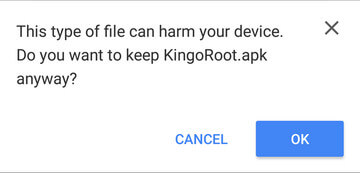
The download will be automatically started. If Chrome has warned you about KingoRoot.apk, click "OK" to proceed.
If you are using PC to view this tutorial, you have three choices.
You can use the PC Version of KingoRoot Android (PC Version), which has a higher success rate due to technical reasons.
How to root any android device and version with KingoRoot?
You can visit APK Root for Android on your mobile and download the file on your device.

You can download KingoRoot.apk on your PC, transfer it to your Android device and then find the file via File Explorer and install it from APK section.
Step 2: Install KingoRoot.apk on your device.
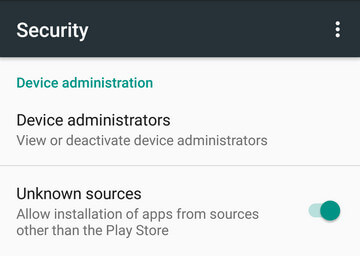
If you didn't check "Unknown Sources" in Settings > Security, then during installation, you will get a prompt "Install blocked", stating that "For security, your phone is set to block installation of apps obtained from unknown sources".
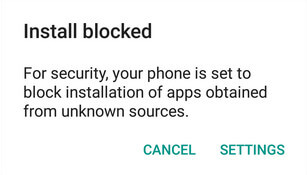
Just follow phone instructions and install Kingo Root on your device and allow installs from "Unknown Sources".
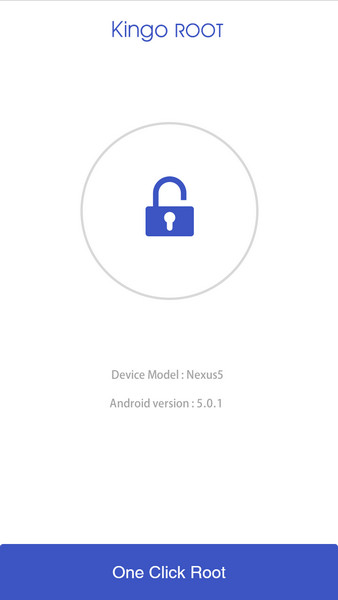
Step 3: Launch "Kingo ROOT" app and start rooting.
Kingo Root is very user-friendly and easy to use. Click "One Click Root" to start the rooting process.
Step 4: Waiting for a few seconds till the result screen appear.
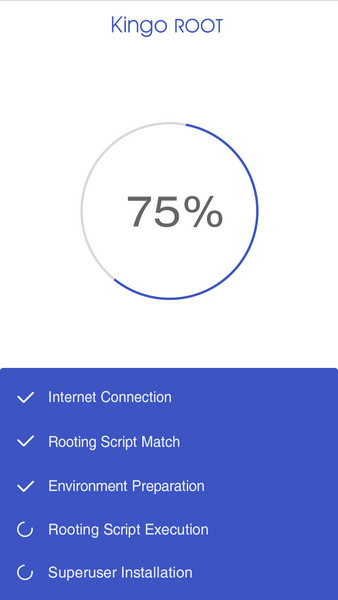
Step 5: Succeeded or Failed.
It is highly recommended that you try several times when rooting with KingoRoot apk version. We have several rooting methods integrated in apk root, however, it will only run one at a time.


Note= this method not work in all device.using root is own risk.

Also see 

Comments

Popular posts from this blog

How to add floating windows feature in android

Today we are here with the cool android trick that is how to add floating windows in any android.Till now we had discussed lots of android tips and tricks and there is the android tweak that will let you add extra features by altering your system settings and by that you can get this feature. So have a look on complete guide discussed below to proceed. How to add floating windows feature in android The method is easy but the little bit time consuming as in this you need a rooted android. As the tool that we are going to discuss right here only works in rooted android. You just need to have to follow some simple steps dicuss below to proceed. Steps to install floating windows using expose installer: #step 1: Fist of all you need to root an android and for that follow the rooting guide. #step 2: Now you need to install xposed installer. You can go through outr full post How to install xposed frame work in android ( 2 methods ) to know how to install xposed installer on your an...

Hacking website using SQL injection- step by step guide

Hacking website using SQL Injection -step by step guide Database: Database is collection of data. In website point of view, database is used for storing user ids,passwords,web page details and more. Some List of Database are: * DB servers, * MySQL(Open source), * MSSQL, * MS-ACCESS, * Oracle, * Postgre SQL(open source), * SQLite, SQL: Structured Query Language is Known as SQL. In order to communicate with the Database ,we are using SQL query. We are querying the database so it is called as Query language. Definition from Complete reference: SQL is a tool for organizing, managing, and retrieving data stored by a computer database. The name “SQL” is an abbreviation for Structured Query Language. For historical reasons, SQL is usually pronounced “sequel,” but the alternate pronunciation “S.Q.L.” is also used. As the name implies, SQL is a computer language that you use to interact with a database. In fact, SQL works with one specific type of database, called a ...